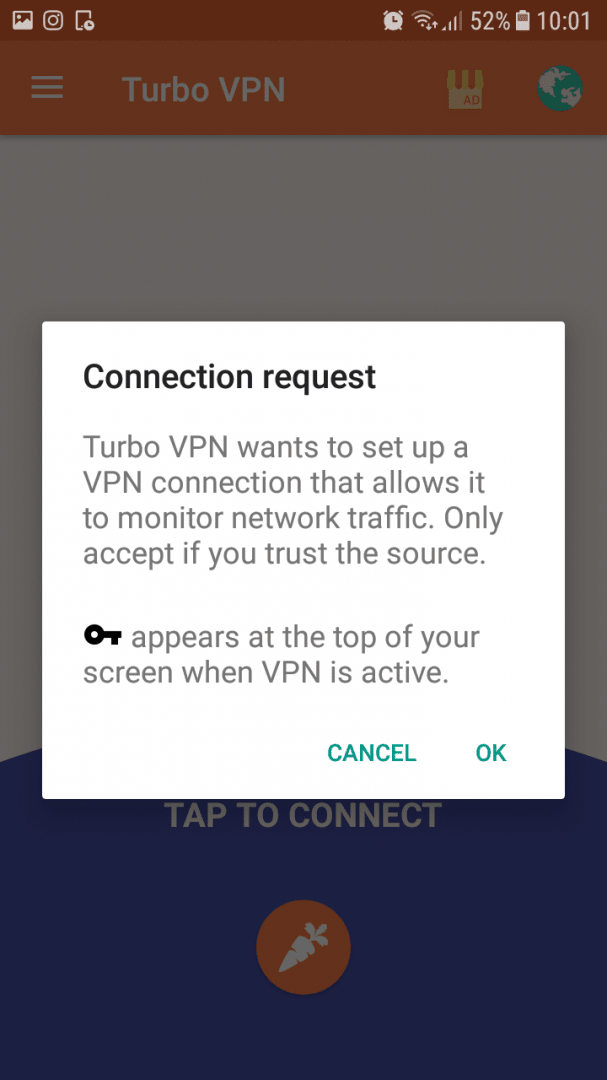
Turbo VPN is an incredibly efficient VPN app that can connect you to different servers around the world with a tap of a button. To get started with Turbo VPN, all you need to do is open up the app and tap the connect button. You'll immediately be connected to a server from a different country. By default, you'll be connected to the fastest available server.
Selecting specific locations
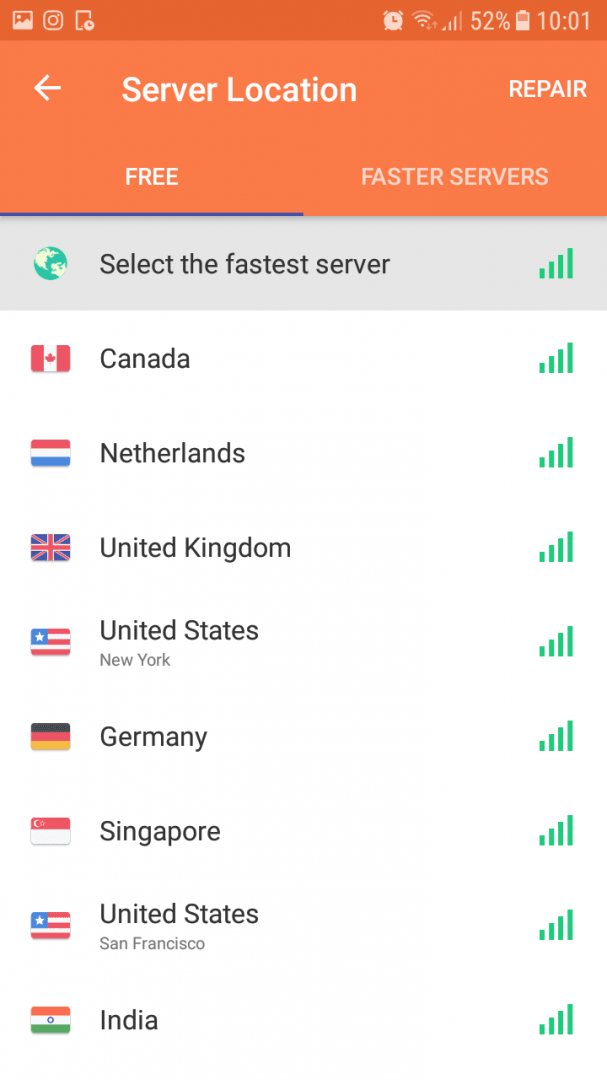
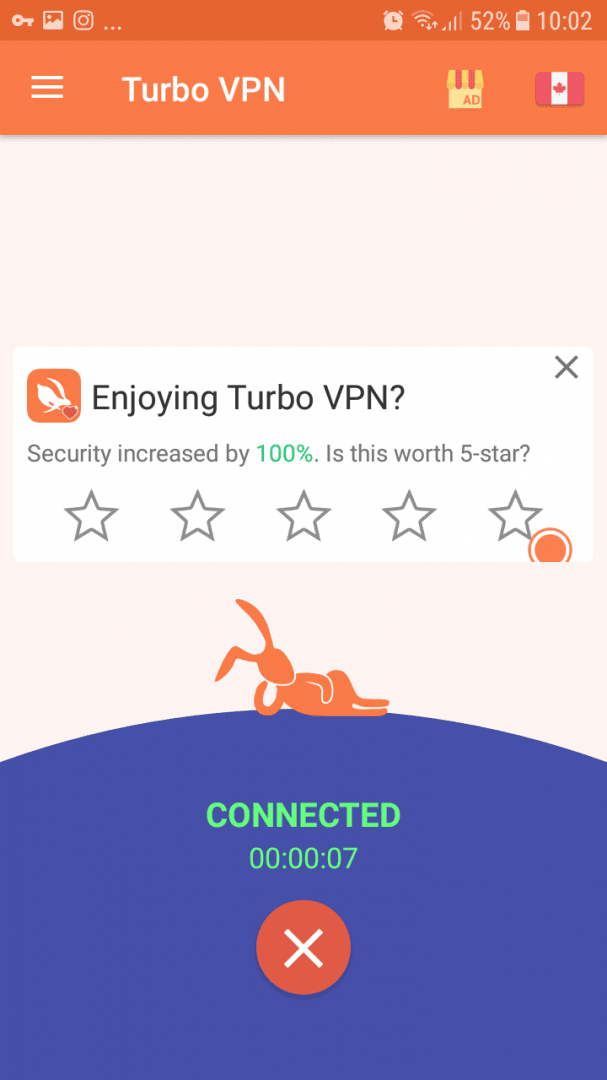
You can also tap the globe icon in the top right to choose a specific country. We picked Canada and then tapped to connect. A quick IP test with IPChicken showed that our IP was, in fact, coming from Canada. This tool allows you to get around various region locks placed on different websites, or simply mask your IP.System-wide connection
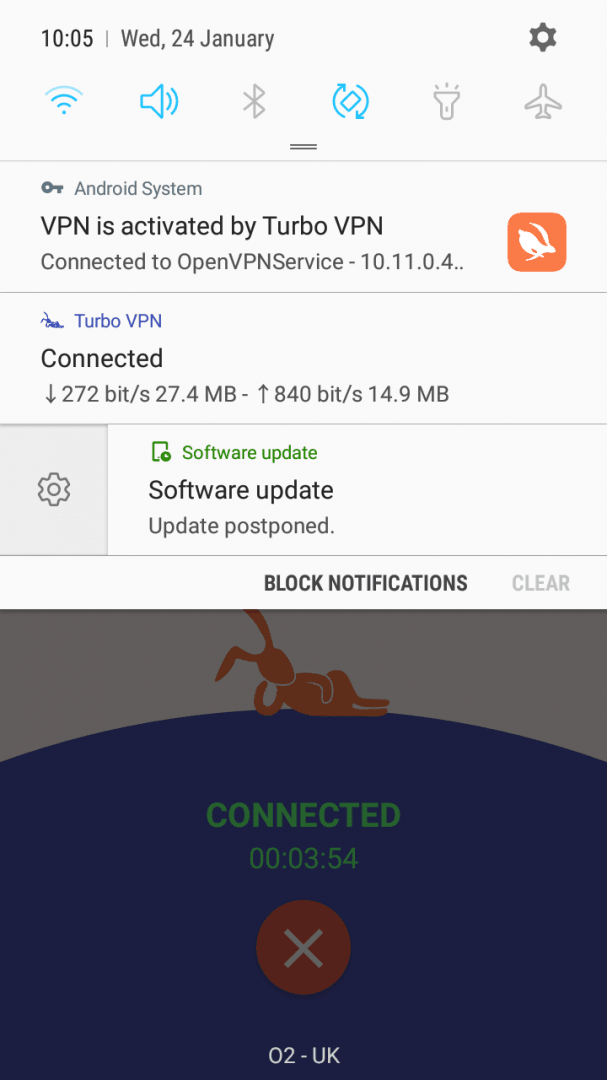
The great thing about Turbo VPN is that you don't have to keep the app open to maintain the connection. Once you're connected, everything you do on your smartphone goes directly through the VPN first. You'll be able to see when you're connected at all times by the small key icon that appears in the notification panel.Speed and performance
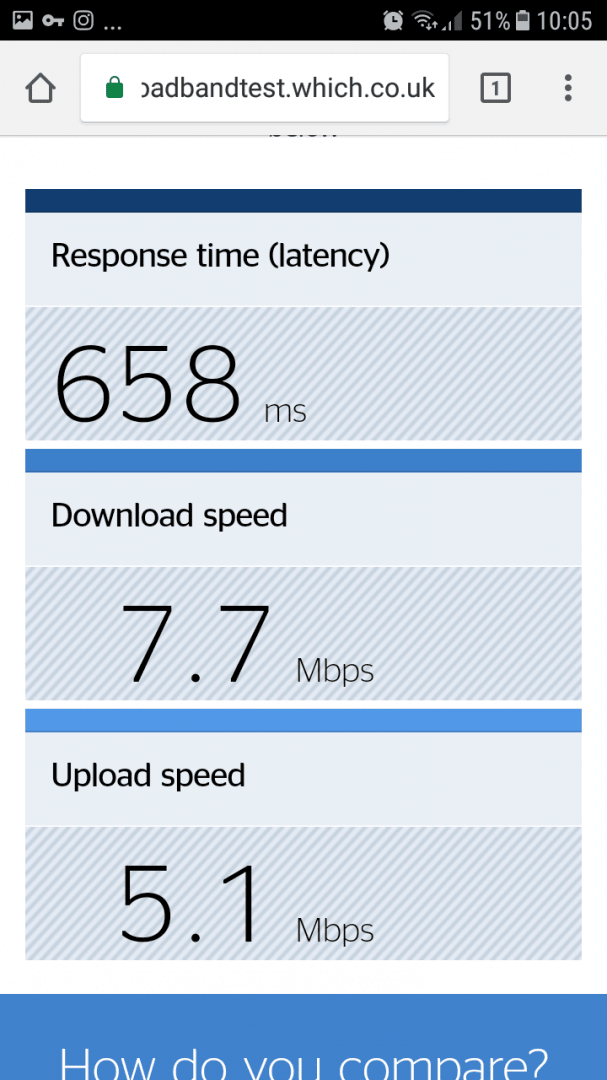
The download and upload speeds are reasonable too - we've received around 7 Mbps for download and 5 Mbps for upload. While our ping was over 600 ms, this wasn't an issue for basic web browsing and app usage.A solid option with regional limits
We didn't really have any complaints with the app, although one thing to note is that, like many VPN apps, Turbo VPN isn't available in China.